
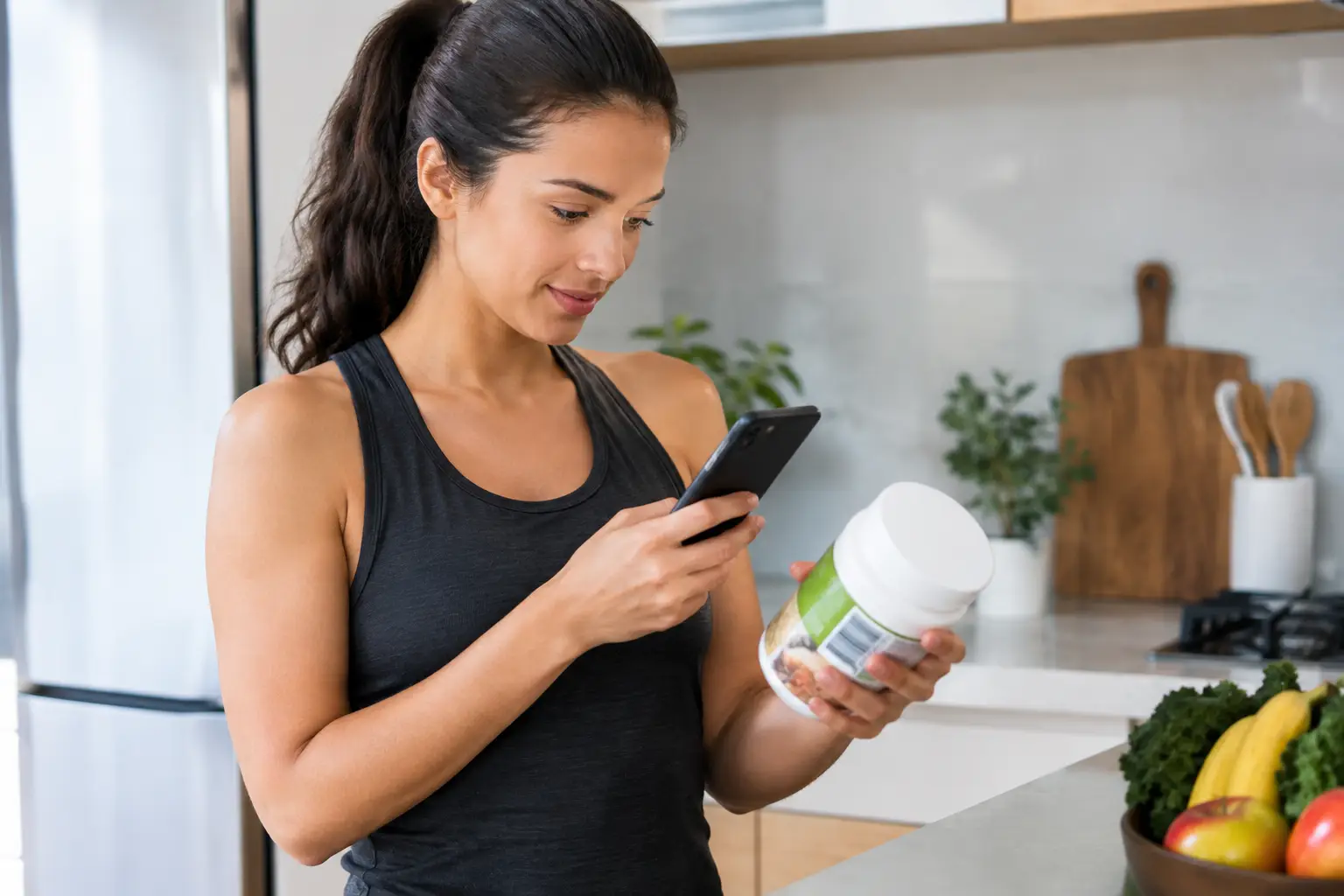
A barcode scan can be the difference between logging breakfast and deciding it is too much effort. Barcode nutrition apps remove a small but real point of friction: typing out a product name, sorting through search results, and estimating which entry is closest.
That convenience matters most on ordinary days. The rushed morning. The grocery run with a child in the cart. The late dinner when you want to log it, then get on with your evening. A scanner will not make eating perfectly predictable. It can make food awareness easier to return to.
Why barcode nutrition apps are useful
Packaged foods already carry a lot of the information you would otherwise need to enter by hand. Scan the code, check the serving amount, and add it to your day. For foods you buy often, that can turn logging from a task into a short pause.
The best use of a scanner is not to record every bite with flawless precision. It is to make the pattern visible. You may notice that a certain breakfast keeps you satisfied through a busy morning, that your usual afternoon snack is more substantial than you thought, or that travel changes your normal routine. Those are useful observations. They give you something practical to work with next time.
Scanning also works well when motivation is low. A rigid tracking system often fails at exactly that point. If it takes ten minutes to log one meal, many people stop using it after a few missed days. A quick scan lowers the bar for restarting.
What a barcode scan can and cannot tell you
A barcode connects a product to a food database. It may pull in the product name, serving size, calories, and listed nutrition details. That is useful information, but it is not a guarantee that every entry is current or complete.
Brands change recipes. Package sizes change. A product sold in one store may have a different version elsewhere. Community-added entries can also contain mistakes. Before adding a new item, take a few seconds to compare the app entry with the label in your hand. Check the serving size first, then the main nutrition details you care about.
This is not about being suspicious of every scan. It is about using the tool with common sense. If the result looks strange, search for another entry, edit it if the app allows, or log a close alternative and move on. One imperfect entry does not erase the value of the day.
Barcode scanners are also less helpful for meals without packaging. A home-cooked dinner, restaurant plate, or shared family meal may need a saved recipe, a simple manual entry, or a reasonable estimate. The goal is not to force every meal into the same method. It is to choose the fastest method that gives you enough context.
What to look for in a barcode nutrition app
The scanner matters, but it should not be the only reason to choose an app. If it takes several screens to correct a serving or find a familiar food, the convenience disappears quickly. A useful app should make the next step clear after the scan.
Look for four things:
- A database that shows serving sizes and nutrition details clearly, so you can compare an entry with the package.
- Easy edits for serving amounts, because the package serving is not always what you ate.
- Saved foods, recent meals, or repeat entries, so regular meals become faster over time.
- A view of your day or week that provides context without turning every number into a grade.
It also helps when nutrition sits beside the rest of your routine. Food logging can feel disconnected when it lives in one app, workouts in another, fasting in a third, and progress notes somewhere else. Seeing those pieces in one place makes it easier to understand a week as it actually happened.
That does not mean every day needs a detailed report. Some people want to log often for a while, then use saved meals and broader check-ins once their routine feels steadier. Others use barcode scanning mostly for new grocery items. Both approaches can work.
Use barcode nutrition apps without making food a second job
Start with the meals that already have packaging and repeat in your life. Coffee additions, yogurt, cereal, frozen meals, protein bars, or a favorite snack are often simple places to begin. You do not need to rebuild your entire food history on day one.
When you scan an item for the first time, confirm the entry and save it if you expect to buy it again. That small bit of setup pays off later. After a week or two, many regular foods can be logged from recent items rather than scanned again.
Keep manual logging available for the rest. If you made a familiar lunch at home, a saved meal may be quicker than scanning several ingredients. If dinner was unplanned, a simple estimate is often more useful than skipping the whole day because you cannot make it exact.
A good rule is to match the effort to the moment. On a calm Sunday, you might take a little more time to add a recipe or check a new product. On a difficult Tuesday, logging the main packaged items may be enough. The habit becomes more durable when it has a version for busy days.
It can also help to decide what you are trying to notice before you begin. Maybe you want a clearer picture of weekday eating. Maybe you are building consistency around meals after a chaotic stretch. Maybe you want nutrition tracking to support your training schedule rather than compete with it. A clear purpose keeps the app from becoming a running test of whether you were “good” today.
Let the week provide the context
Single days can be noisy. A late meeting, a birthday dinner, a sick child, travel, or an unusually hard workout can change the way a day looks. That is normal. Weekly patterns usually tell a more useful story than one day viewed in isolation.
Look for repeatable details. Were mornings easier to log when you had a few familiar foods available? Did you stop logging when work got intense? Did fasting windows and meals feel easier to keep track of when they were in the same place as your workouts? These are workflow questions, not character flaws.
Corely brings barcode food logging, workouts, fasting schedules, and progress review together for that reason. The point is not to create more data. It is to make the data you already collect easier to use when you plan your next session or reset after an off week.
Your numbers do not need to be perfect to be useful. They need to be consistent enough to help you notice what supports you and what gets in the way.
Privacy and control matter too
Food logs can feel personal. Before settling on an app, review its privacy controls and account options. Consider whether you can edit or delete entries, export or remove your data, and control notifications. Features that push streaks, daily warnings, or public sharing may motivate some people, but they are not necessary for a useful practice.
Choose prompts that help you return, not prompts that make you avoid opening the app. A missed log is simply missing information. It does not require catching up every detail before you can start again.
The best barcode nutrition app is usually the one you will still use after a messy week. Scan what is easy. Save what repeats. Estimate when life is moving fast. Then use what you notice to make the next meal, grocery trip, or workout day a little easier.